
Field Force
Field execution for territory teams
Plan visits, check in with GPS, hit targets, and submit conveyance on mobile — tied to the same customer accounts as CRM.
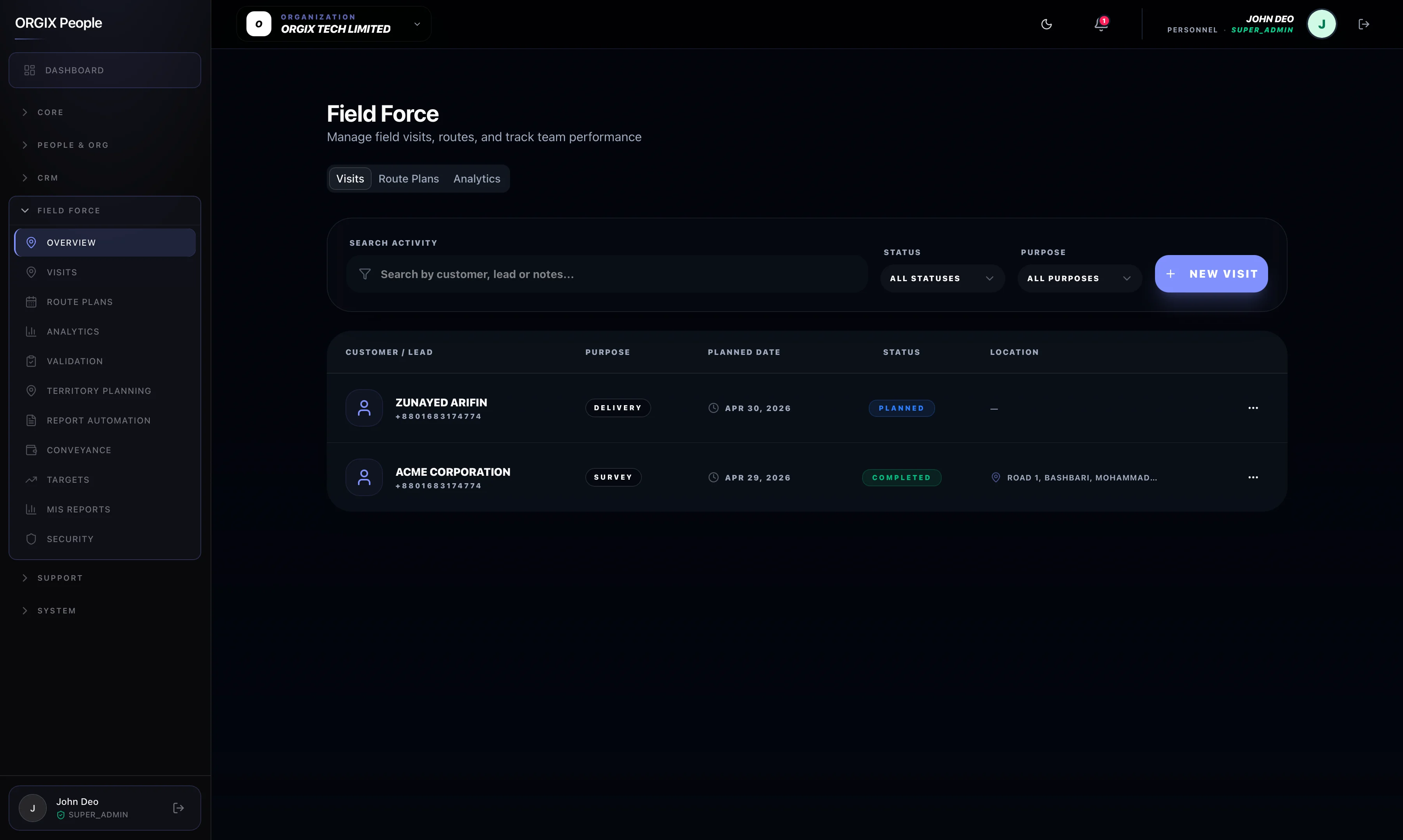
For field reps
Visit plans, GPS check-in, outcomes, and conveyance in one mobile flow — less admin after a long day on the road.
For managers
Live activity, territory gaps, and targets on the same accounts inside sales sees in CRM — coach from facts, not late reports.
A day in the field
From morning plan to conveyance — without losing the customer thread.
- 01
Plan the day
Open the visit plan, review objectives, and know which accounts matter before leaving the desk.
- 02
Check in on site
GPS and time-stamped check-in at the first stop — managers see activity without chasing WhatsApp updates.
- 03
Log & claim
Capture outcomes and submit conveyance against the visit before lunch — same app, same customer record.
Field execution
Visits, routes, and targets that leadership can actually measure.
Visit planning & check-in
Managers see coverage without chasing updates.
Plan visits with objectives; GPS/time-stamped check-in and check-out from mobile.
Route plans & territory
Coverage aligned with sales strategy — not guesswork.
Route and territory planning so field time matches where revenue actually lives.
Targets & quotas
Measure execution, not only activity volume.
Targets tied to sales teams so leadership can coach on outcomes as well as visits logged.
Claims & shared data
Expenses and customers stay connected to CRM.
Conveyance claims
Expenses attached to real visits — fewer disputes.
Mileage, meals, transport, and other expenses submitted against visit records in the same app.
Shared customer data
No duplicate accounts across CRM and the field.
Field Force and CRM use the same leads and customers — inside and outside sales stay in sync.
Navigation and features are role-based and depend on modules enabled for your workspace. Not every user sees payroll, CRM, or admin surfaces.
FAQ
Field Force is designed to share the same customer and lead records as CRM when both modules are enabled. Packaging and role access depend on your workspace configuration.
Ready to see field coverage in real time?
Walk through visits, GPS check-in, and conveyance — or start with the CRM pipeline that feeds the same accounts.